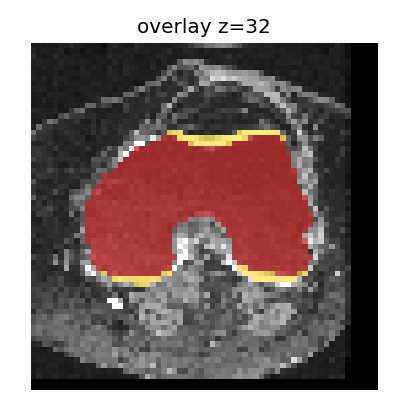
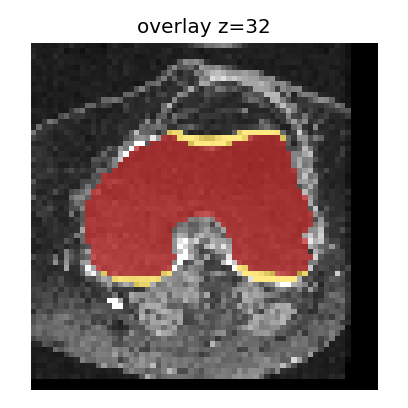
Mean Dice can stay near 0.75 while label 5 Dice is 0.
Does a good mean Dice prove every structure is present?
The teaching quality gate only checks mean Dice. Lateral Tibial Cartilage can disappear
while the aggregate score still looks acceptable.
Improved prompt (copyable):
Inspect the quality-gate helpers in vibe_to_trust.challenges.stand_examples
(accept_by_mean_only vs accept_with_per_label).

Add a pytest that builds a teaching prediction from the packaged case by removing
label 5 (Lateral Tibial Cartilage). Keep the ground truth unchanged.

Assert that a mean-only gate may still accept, while a gate that requires every
foreground label Dice >= 0.5 rejects this prediction.

Do not only assert mean Dice. Do not modify examples/case_001.
Run the test and explain what the result demonstrates.
Ready.
Reveal minimal fix
Require a per-label Dice floor for each structure, not mean Dice alone.
Example 2 · The preview image may not match the saved result
Set upSave the segmentation file and a preview overlay PNG for the same case.
RunOpen the overlay people use to visually check the result.
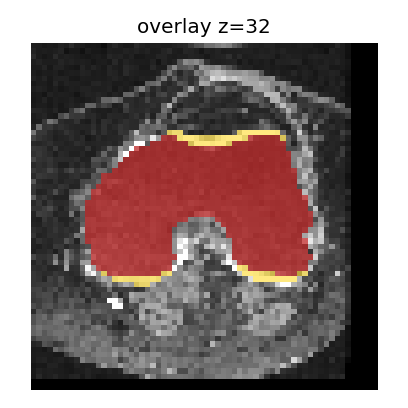
CheckThat image should show the same mid-slice as the saved segmentation — not an old or wrong slice.
Vague checks often only ask whether overlay.png exists.
Ready.
Bound overlay (mid slice)
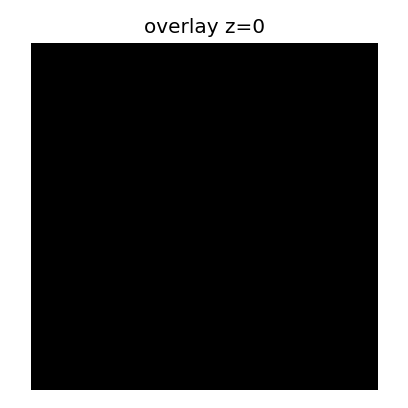
Teaching defect: wrong slice
What went wrong
Same NIfTI prediction; PNG written from z=0 instead of the mid slice.
Does a valid-looking overlay prove it matches the current result?
The teaching exporter saves the correct prediction but writes overlay.png
from another axial slice. Existence checks miss this.
Improved prompt (copyable):
Inspect export_case_outputs in vibe_to_trust.challenges.stand_examples.

Add a pytest that exports with bind_overlay_to_prediction=False, then regenerates
the expected mid-slice overlay from the saved prediction and compares file content
(e.g. SHA-256).

Assert the unbound export fails that comparison, and bind_overlay_to_prediction=True passes.

Do not only check that overlay.png exists. Do not modify examples/case_001.
Run the test and explain what the result demonstrates.
Ready.
Reveal minimal fix
Always regenerate overlay.png from the current prediction at the intended slice index.
Review
Does the test inspect the quantity that can actually go wrong?
Does it fail when the targeted defect is present?
Would keeping these tests catch recurrence after future edits?
Close
AI makes it easy to write the tool. Use it to write a broader set of tests, not one check.
Write a pytest file for this knee MRI segmentation tool. Cover these behaviours:

1. A valid input produces a readable segmentation with the right shape and labels.
2. A missing or invalid input fails with a clear error.
3. A high average score is not enough. Each structure, including cartilage label 5, must be checked on its own.
4. The preview image must match the saved segmentation, not only exist as a file.

Use the packaged example. Do not change it. Do not only check that files exist or that the average score is high. Run the tests and say which behaviours they cover.